
01Public lesson
CI/CD and release safety
Produce a release approval with artifact evidence, configuration changes and a usable recovery plan.
DEVOPS · SRE · PLATFORM ENGINEERING
Prepare for the questions that ask how you would operate a real system. Work through deployment failures, Kubernetes behavior, reliability tradeoffs and the projects you have owned. Explore 617 worked questions across 12 topics, with concepts and course exercises to help you explain why an answer works.
18 answers per topic open to anyone · $25 or ₹2,000, paid once, for 6 months · nothing renews
Not sure this is where to begin? Follow the map instead: the four stages of preparing, and which one your background already puts you in.
YOUR NEXT STUDY SESSION
For engineers who already work with Linux, cloud or deployments. Choose one weak area, work through the evidence, and finish by explaining your decision without the answer open.
Read one concept. Draw the request path or control loop from memory, then check where your explanation skipped a step.
Attempt a question or course exercise before reading the solution. Write the evidence you need, your first action and what would make you stop.
Change one assumption: double the traffic, lose a zone or remove the rollback option. Explain how your decision changes.
Keep the mistake and its correction in your notes. Reattempt it next session, then again at the end of the week.
Produce a release approval with artifact evidence, configuration changes and a usable recovery plan.
Trace a manifest to a running pod. Explain which evidence distinguishes scheduling, startup and readiness failures.
Define a user outcome, calculate its error allowance and decide what an active incident changes about a release.
Build an evidence card from your own work: your decision, the alternative, the user impact and what you completed afterwards.
Use five sessions for one topic: learn, practise, take a harder case, connect it to your own project, then rehearse without notes. Repeat a topic when you cannot explain the failure mechanism or verify recovery. The timings are a suggested routine; substantial course exercises need longer.
The DevOps guide collection / Included with Premium
Four illustrated books for the work behind the interview.
Open a complete sample case from any volume.
The diagnosis workbook
Find the fault. Explain the recovery.
A rollout is healthy, but the service is down. Start with the evidence available to the on-call engineer, choose your next check and defend the recovery. Eight cases take you through Kubernetes, DNS, resource limits and failures that cross service boundaries.
8 worked cases · 8 diagrams · PDF + local practice kit
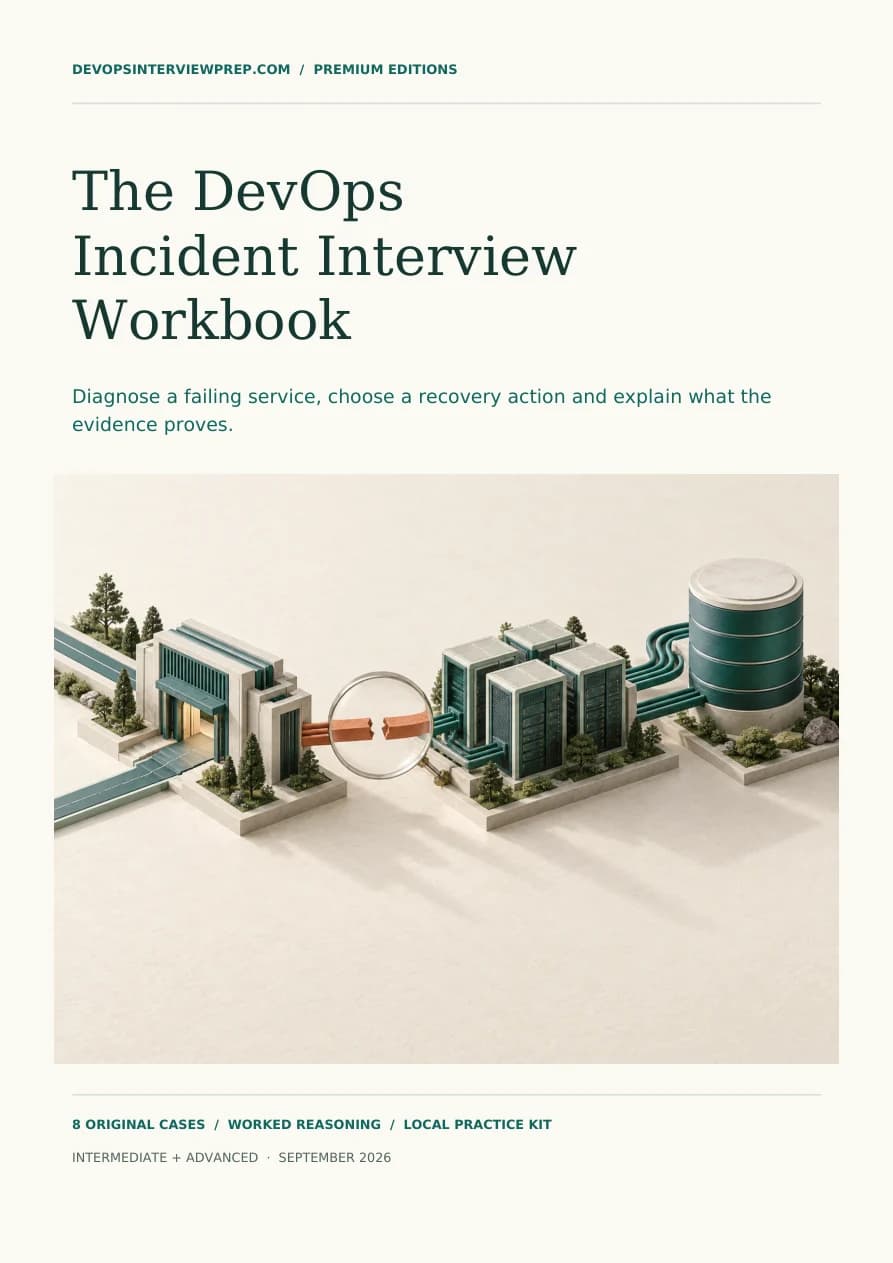
Read before you buy / Pages 5–7
Read the opening incident from its first signals through the investigation and follow-up exercise. These are three consecutive pages from the workbook.
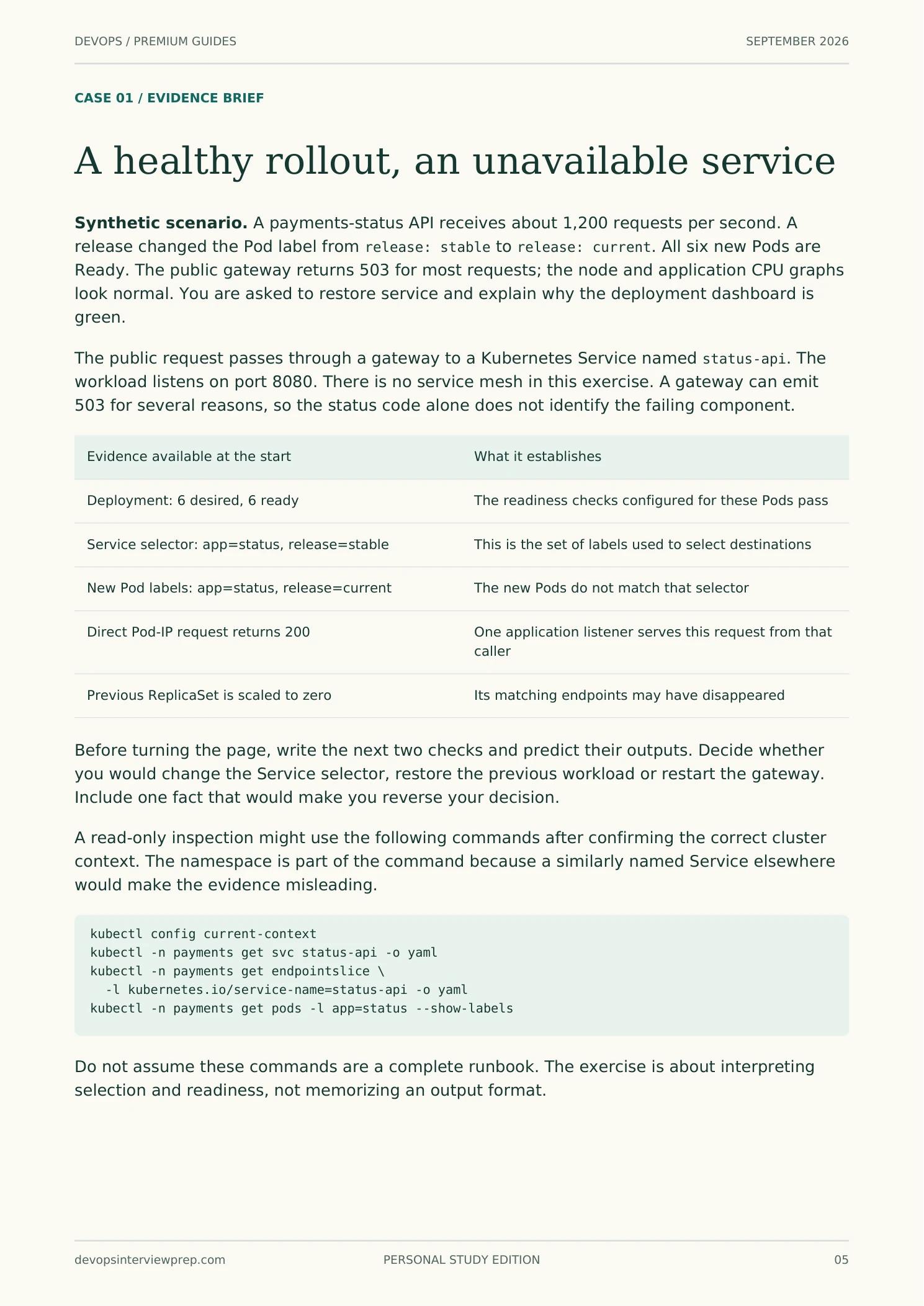 Read this page
 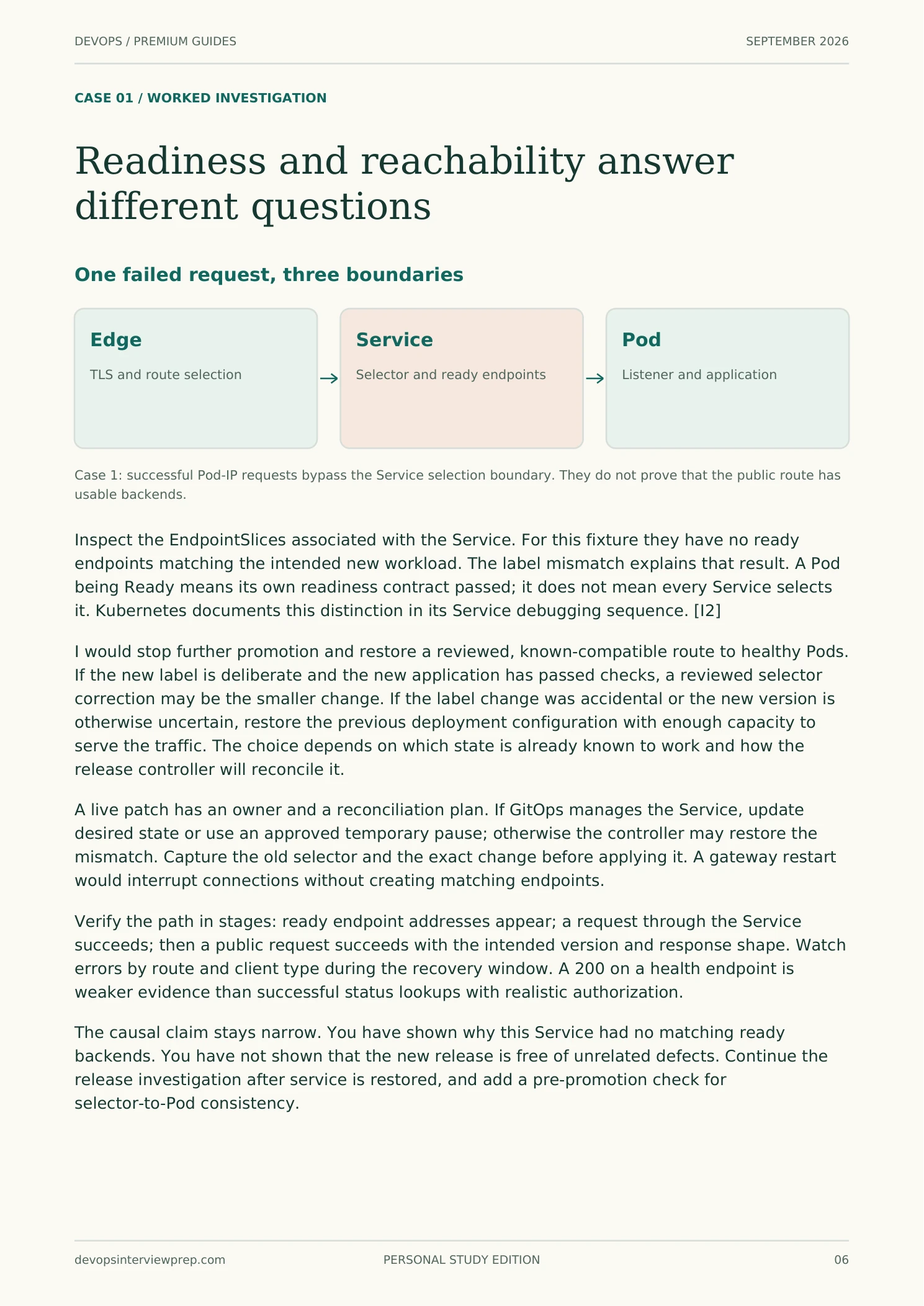 Read this page
 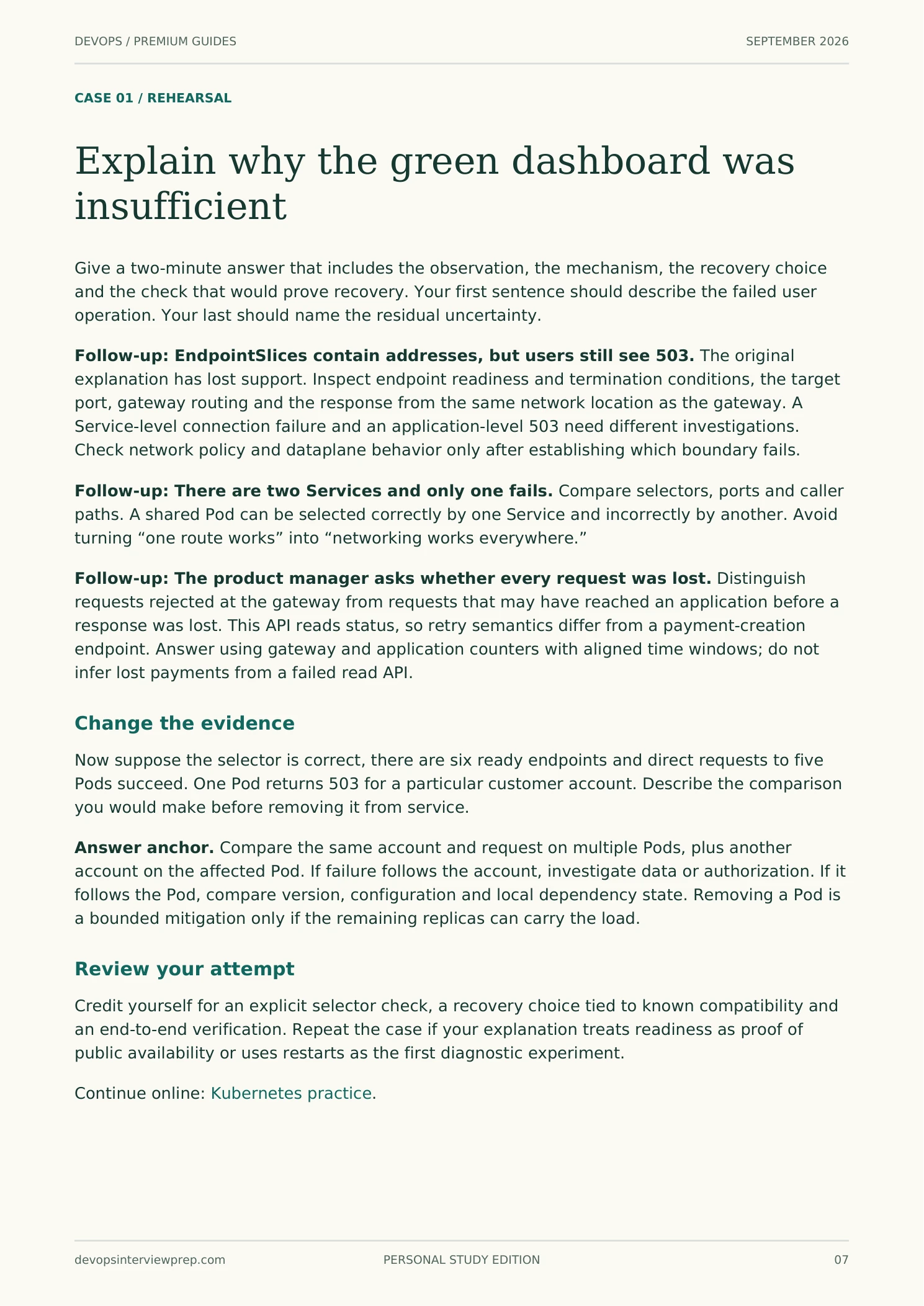 Read this page
 Select a page to open the reader. On a phone, swipe across the samples.
DRAWN FOR THIS SITE
Ask anywhere what happens between kubectl apply and a running pod and you get a paragraph. Here it is also a numbered spine: what happens, in order, with the mechanism under each stage and the correction you were about to need pinned beside it. 219 pages carry one, across the questions, the concepts and the course lessons.
WHY THIS BANK EXISTS
Our review of 5 open-source DevOps question repositories found 657 distinct Linux prompts and two on AI infrastructure. The chart uses the corroborated subset: prompts also found in another repository or in our commissioned research. None of those two AI prompts met that corroboration rule.
This measures the selected repositories, not interview frequency. Our comparison uses editorial targets for a 300-question bank. Use your target role to choose which topics deserve the most time.
The 4 categories below our comparison threshold are where this bank spends its weight. There are 215 questions here across those categories.
Bars show corroborated prompts divided by our editorial target for each topic, on a square-root scale. The tick is 1× our target; red marks ratios below our comparison threshold. The left figure counts questions written here today.
THE SHAPE OF EVERY ANSWER
Anyone can find the question. What decides the round is the reply: what you lead with, how deep you go before stopping, and whether you have already thought about the thing the panel asks next. So every answer here is assembled the same way, and 339 carry a diagram, because a scheduler decision or a request path is quicker to draw than to narrate.
Grounded in researched DevOps, SRE and platform engineering interview loops, written to a senior-engineer editorial bar, and never padded to hit a word count.
FOUR WAYS IN
Preparation priorities and 32 company guides. 3 carry documented outlines; confirm the details for your role.
211 concepts across the 12 tracks the questions assume you already hold. Read the mechanism, then follow the links into practice.
617 questions, easy through expert within a topic. Nothing is left as a prompt: each carries the worked reply, the follow-up and the failure mode.
4 courses with worked exercises and a final design or incident review. 4 lessons are free.
THE 12 TOPICS
JUST ADDED
THE REST OF THE SITE